
RoadmapRoadmap
Photo Forge first: how the Forge suite will be sequenced
The suite will be built one application at a time. Photo Forge comes first, Light Forge second, and the rest of the lineup follows only after real milestones.
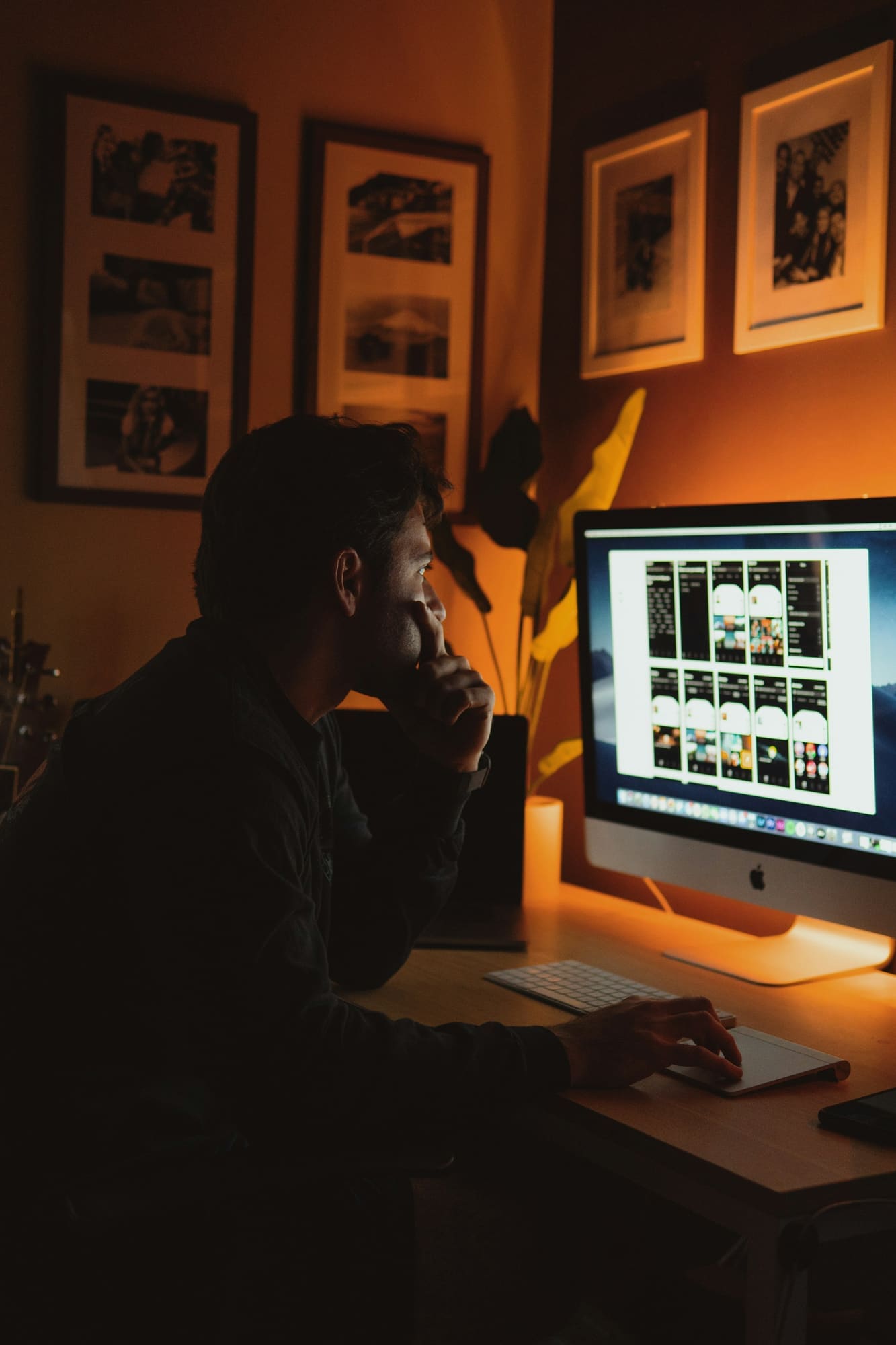
01 / 11
Raster image editing
Professional image editing, being built from the ground up.
Overview
Photo Forge is the first Forge application and the current engineering priority. It is a working development build, not a public release: the interface is written in Python with Qt (PySide6), and performance-critical pixel work is moving into a native Rust engine. Layers, typography, masks, transforms, and native document saving already work in development builds, while tools such as the eraser and selection-aware painting are being reworked. There is no public download yet.
Capabilities in development
Some of these already work in development builds and some are still in progress. The development page separates verified work from work in progress.
Progress
Fixes painting inside an active selection so strokes reach every canvas tile. Implemented and in review.
Rebuilds the Eraser on the brush stroke pipeline so it removes pixels instead of painting white, with stroke performance work. In review.
Locked layers refuse painting, and lock state survives save and reopen for every layer kind.
Crop should keep text as editable text and keep vector layers aligned with the new canvas origin.
Copy-on-write tile sharing between History snapshots, followed by a configurable memory and depth budget.
A separable blur kernel in Rust with parity tests against a Python reference, then integration into Photo Forge.
Repeatable measurements of real editing scenarios, so performance work is measured before and after every change.
Photo Forge saves and reopens its own document format with atomic writes and recovery, and keeps layers, text, vectors, masks, and effects editable across save and reopen.
Completed June 23, 2026
The suite will be built one application at a time. Photo Forge comes first, Light Forge second, and the rest of the lineup follows only after real milestones.
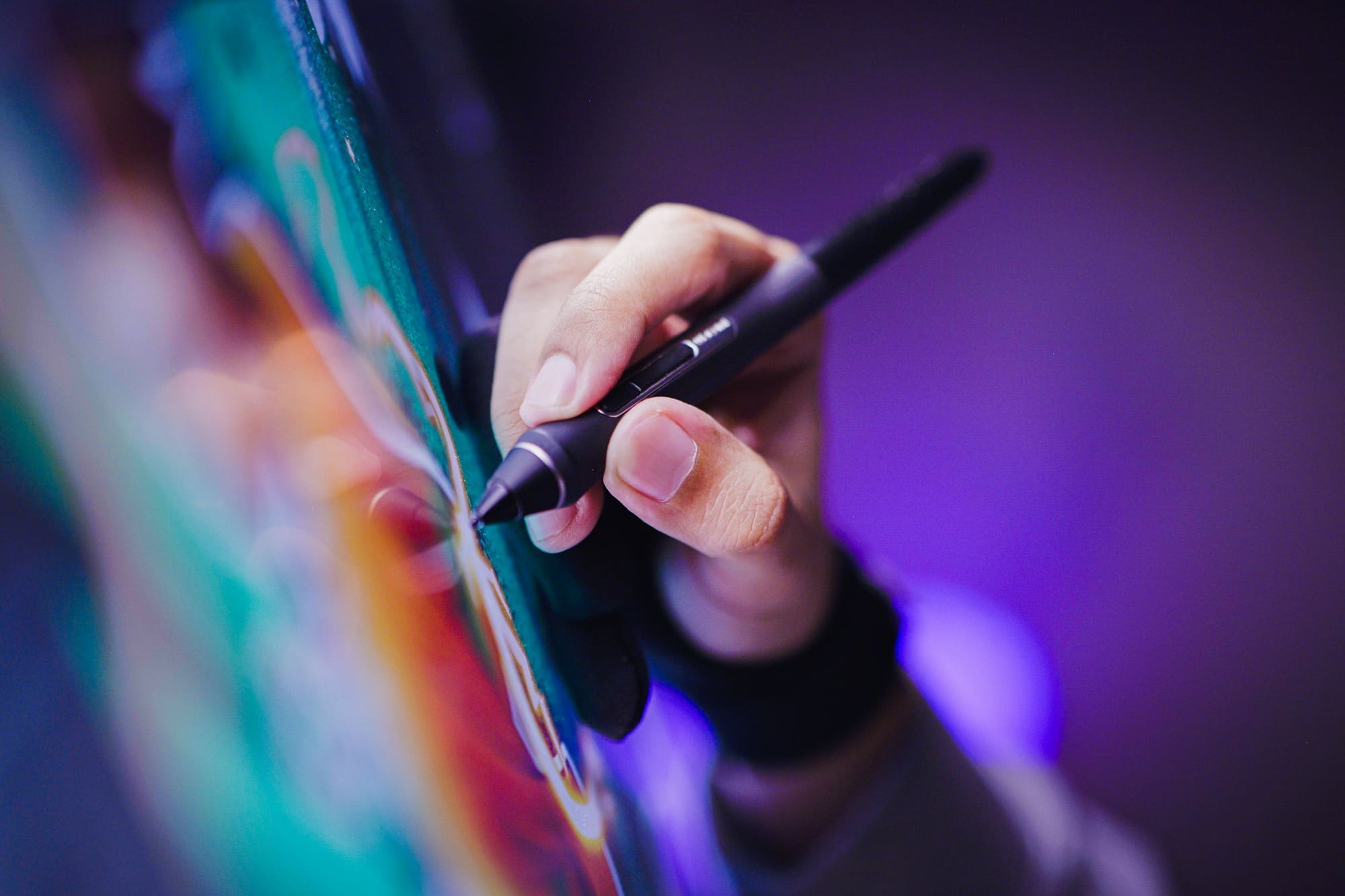
Three correctness fixes from the October audit are implemented on development branches: painting inside selections, an eraser that truly erases, and enforced layer locks.

A full repository audit classified every Photo Forge capability as verified, partial, placeholder, or missing. Here is the short version.

Join the early-access list for occasional, honest development updates. No payment, no account.