MilestonePhoto Forge
Text that stays editable: Point and Area type in Photo Forge
Months of typography work came together in September: point and area text you type directly on the canvas, with selection, clipboard, and range formatting.
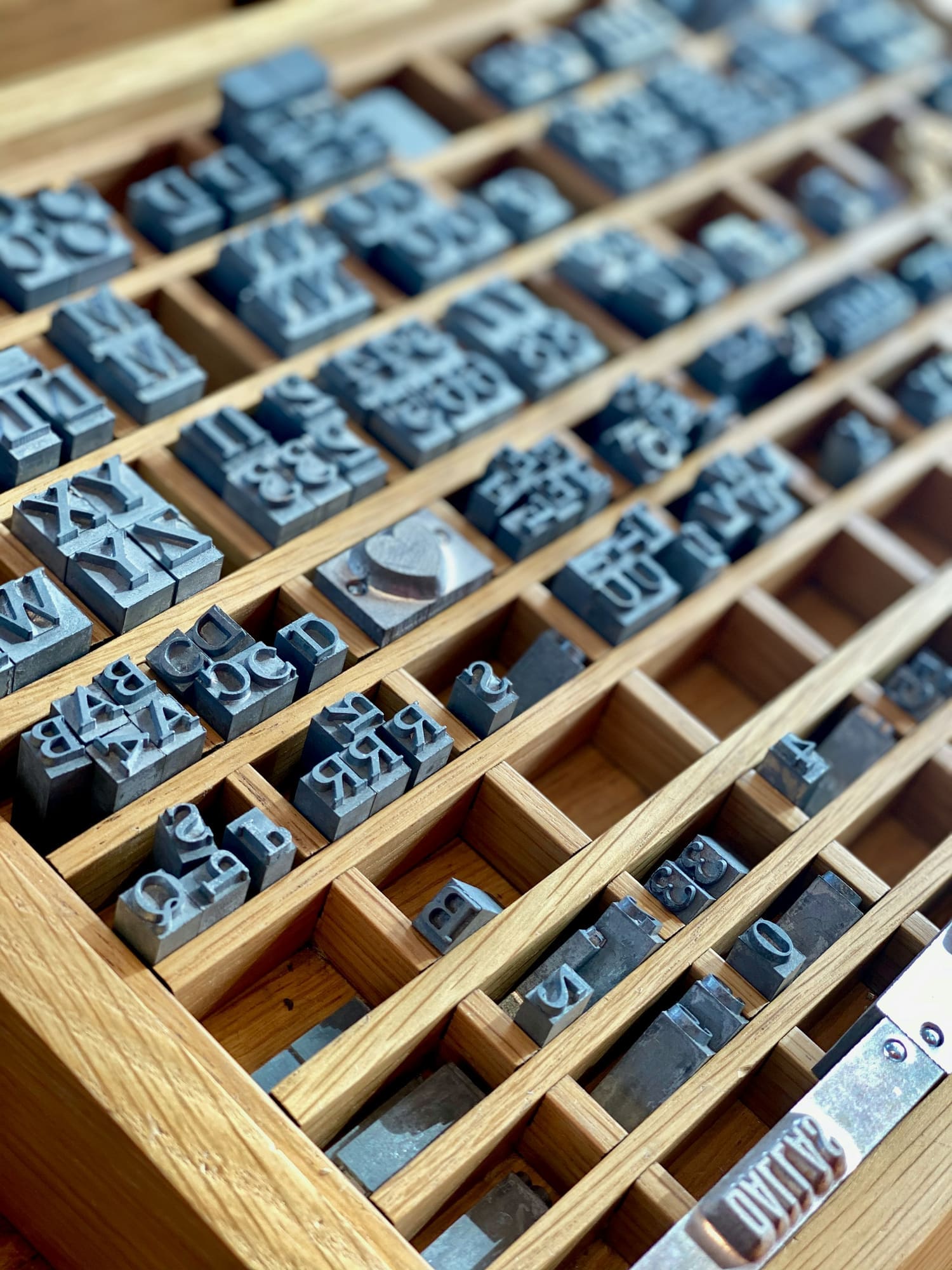
Illustrative photograph. It does not show Forge software.
Text is where many image editors cut corners. Photo Forge treats text as editable content that should never be silently turned into pixels.
How it came together
- July 2026: a versioned text object model and professional typography controls.
- August 2026: area text inside resizable frames, with wrapping, overflow, alignment, and justification.
- August 31 and September 1, 2026: typing directly on the canvas, then text selection and clipboard.
- September 17 to 22, 2026: range typography, advanced navigation, and a stabilization pass across the whole text system.
Principles
- Resizing an area frame never changes your font size.
- Automatic wrapping never inserts line breaks into your text.
- Text that overflows its frame is kept in full, never cut.
- Exports and thumbnails never include editing chrome such as the caret or selection.
Still to come
Text on a path, text in shapes, warp text, and input-method composition for languages that need it are separate future work. They are not part of this milestone.